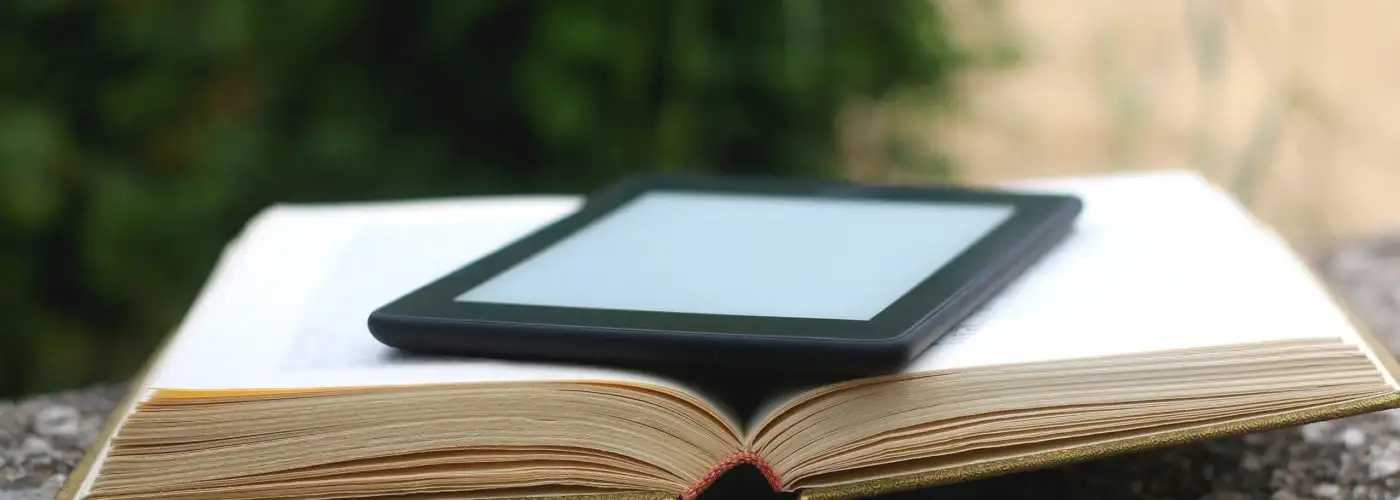
Traveling bookworms love e-readers thanks to their compact size and access to hundreds of thousands of books. Amazon’s line of Kindles are the most popular e-book device on the market and come with some hidden features you might not know about.
Whether you’re new to the e-books world or consider yourself a Kindle pro, you’ll want to make sure you’re utilizing these nine Kindle tips and tricks. Note that these Kindle tips and tricks are for Amazon’s Kindle e-readers, not Amazon’s Fire Tablets (formerly known as Kindle Fire).
Some of the links featured in this story are affiliate links, and SmarterTravel may collect a commission (at no cost to you) if you shop through them.
How to Get Free Kindle Books
There are a few ways to get free Kindle books. One option is borrowing e-books through your public library. More than 11,000 libraries in the U.S. have this as an option. Borrowing e-books through Amazon is typically done online via your library’s website, where you check out with your Amazon account. A library card is required, and to return the book you go to the Manage Your Content and Devices section on your Amazon account.
Pro tip: If you load up your library books and then turn off Wi-Fi, the books will stay on your device even after the loan has ended, until you turn the Wi-Fi back on.
Another option for borrowing e-books is via Prime Reading. To access this feature, you need an Amazon Prime account (it’s one of the secret benefits of Amazon Prime membership). Prime members have free access to thousands of books, magazines, Kindle Singles, and more on their device.
Another Prime member perk is Amazon’s First Reads program, which gives members a free pre-released book each month.
You can also typically get a free month-long subscription to Kindle Unlimited, a subscription service for unlimited reading and listening. Check out the Kindle app to download and read on any device.
Read Anywhere, Anytime
Unlike other tablet devices, Kindles are glare-free and the latest versions even come with a built-in front light. The Kindle Oasis model has an adjustable warm light and is waterproof. All Amazon content is stored free on the cloud.
All Kindle models have week-long battery lives, but this can last even longer if you turn the Wi-Fi off, with some models able to last six weeks on a single charge.
Add Notes and Take Screenshots
Whether you’re reading a book for school, your book club, or just like adding your own thoughts to your books, you can highlight sections of text or add a note by touching your finger on a word and dragging it across the screen. Your notes and highlights are stored if you turn on the Annotations Backup feature. You can even directly share them to social channels.
Note that Amazon saves other users’ highlighted sections, which can be somewhat intrusive when you’re reading. To turn this off go to Menu > Settings > Reading Options and toggle the button to deactivate Popular Highlights.
You can also read personal documents on your Kindle by sending them to your Send to Kindle email address.
Use It to Read Online Articles and Documents
Come across a long article or essay on your commute that you want to read on your Kindle instead of your phone? With a browser plugin or the app, Instapaper, you can save these links for later to read on your Kindle.
Share Your Favorite Books with Others

If you want to borrow a book from a friend or share a book with others, you can loan eligible books that you’ve purchased to someone else. (Note that you won’t be able to access the book during the loan period.)
To do so, go to Manage Your Content and Devices and select the Actions button. From here, select the book title and hit “Loan this title” (if you don’t see this as an option, it means the book is not able to be shared). Enter the recipient’s email address and send. They’ll have access to the title for up 14 days; return the book to the original owner by deleting the title from your library.
Prevent Eye Strain with Inverted Mode
With most versions of Kindle, you can use inverted text mode to make your screen dark and the text light. Many prefer this since it’s less straining on your eyes. You’ll find this feature in the accessibility section.
Listen to Audiobooks
With the latest Kindle devices, you can pair Bluetooth-enabled headphones or speakers to your Kindle and switch between reading and listening to a book with Audible.
Save on Used Kindles
If you don’t have a Kindle but are looking to purchase one at a discount, check out Amazon’s certified refurbished section. Here you can buy a returned Kindle that has been tested, refurbished, and certified by Amazon with the same limited warranty that comes with a new device.
Go beyond the Kindle with the highest-rated Amazon travel products.
Books We’re Loving Now
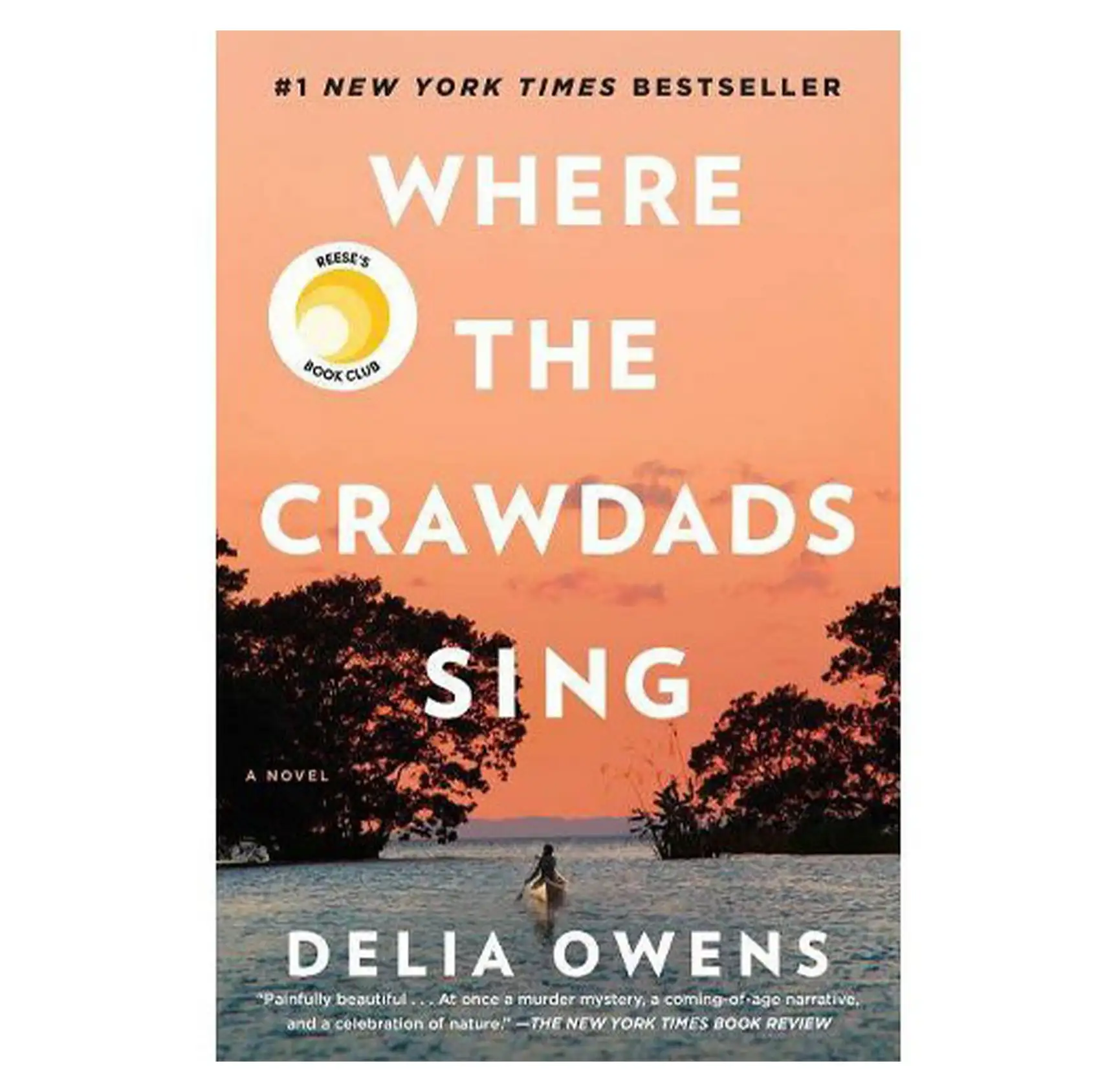
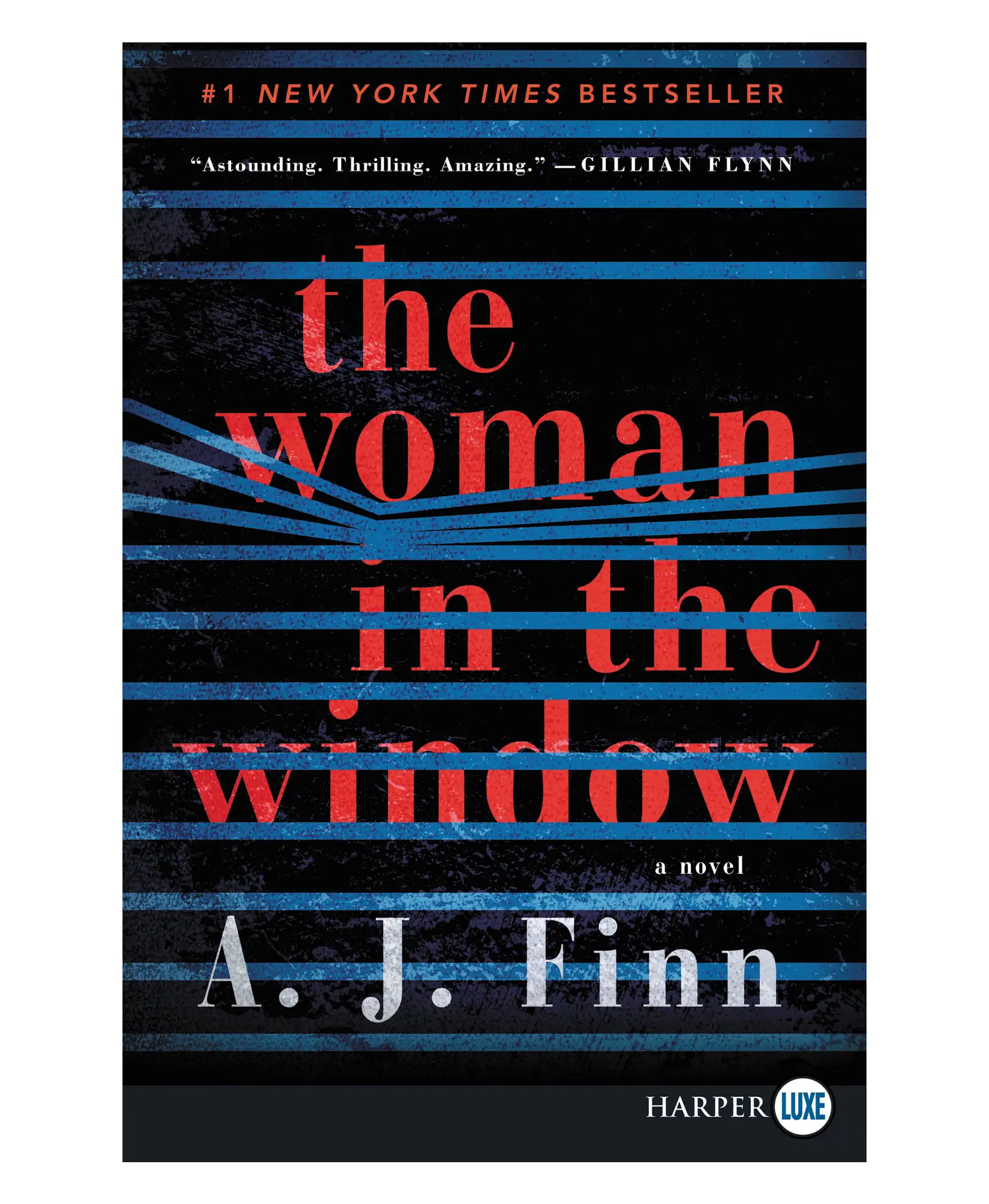
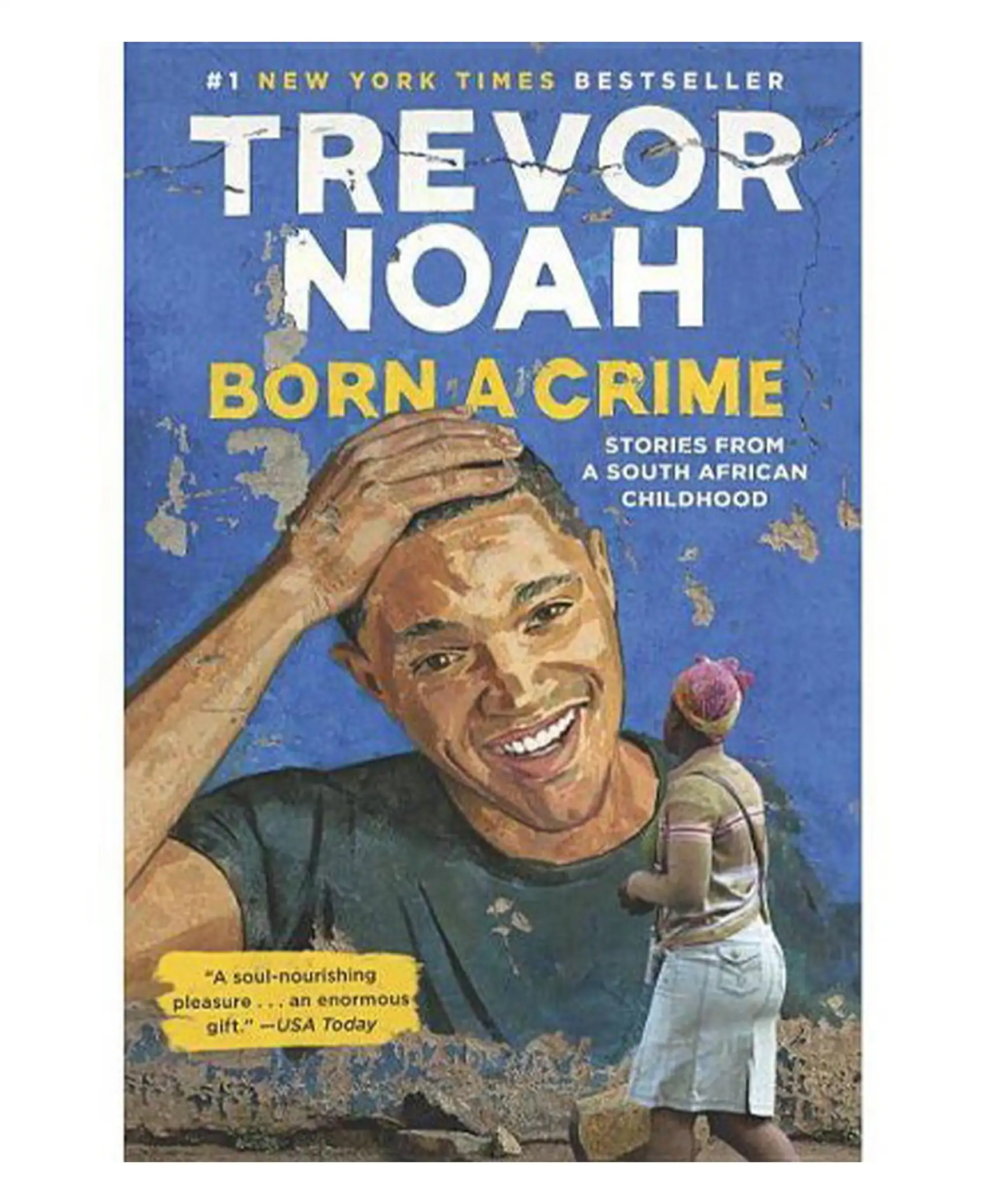
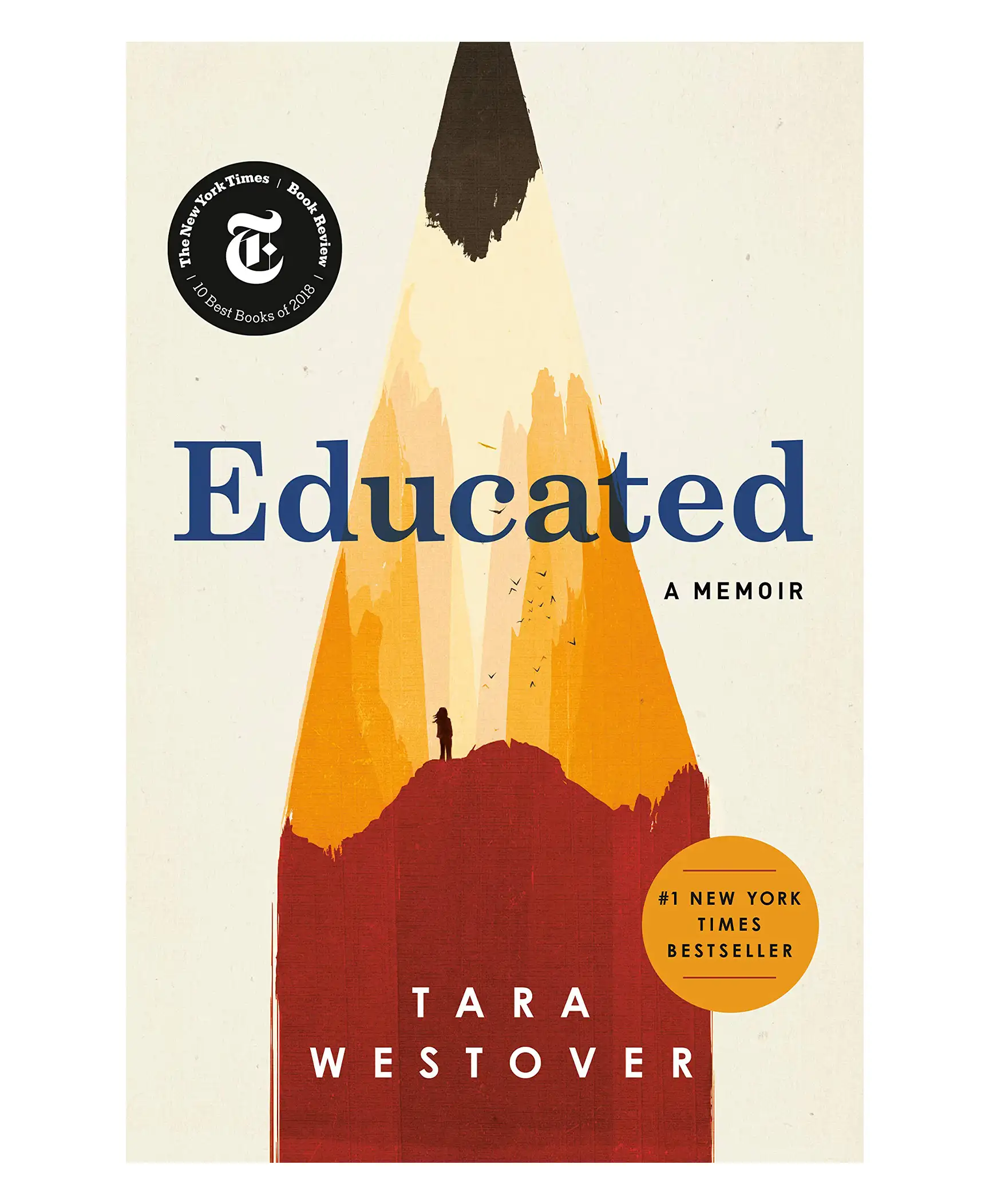
Ashley Rossi is always ready for her next trip. Follow her on Twitter and Instagram for travel tips, destination ideas, and off the beaten path spots.
You Might Also Like:
• The Best and Worst US Airlines for Lost Luggage• Is Amazon Prime Day Worth it for Travelers?
• The 13 Best Hotel Booking Sites
• The Ultimate Guide to Online Check-In for Flights
• Flight Price Trackers: 6 Sites That Will Find the Cheapest Airfare for You
We hand-pick everything we recommend and select items through testing and reviews. Some products are sent to us free of charge with no incentive to offer a favorable review. We offer our unbiased opinions and do not accept compensation to review products. All items are in stock and prices are accurate at the time of publication. If you buy something through our links, we may earn a commission.
Top Fares From


Today's Top Travel Deals
Brought to you by ShermansTravel
France: 8-Night Paris, Avignon & Nice...
Infinity Worldwide Vacations
 vacation
$2880+
vacation
$2880+
Poconos: 3 Nts in Garden of...
ResortsAndLodges.com
 hotel
$305+
hotel
$305+
7-Nt Canada & New England Cruise,...
Princess Cruises
 cruise
$839+
cruise
$839+